Software Raytracer
For our Graphics Programming 1 course at DAE, we made a Software Raytracer.
This became one of my favourite projects and gave me a big interest in raytracing and graphics programming in general.
It was difficult but a joy to make and is featured here as the assignment I've made during DAE that I'm most proud of.
Things I still want to add include: Reflections, Textures, Transparency, Threading, ..
This project uses the Elite framework and math library made by Matthieu Delaere
For the start of a software raytracer it is best to work with primitives.
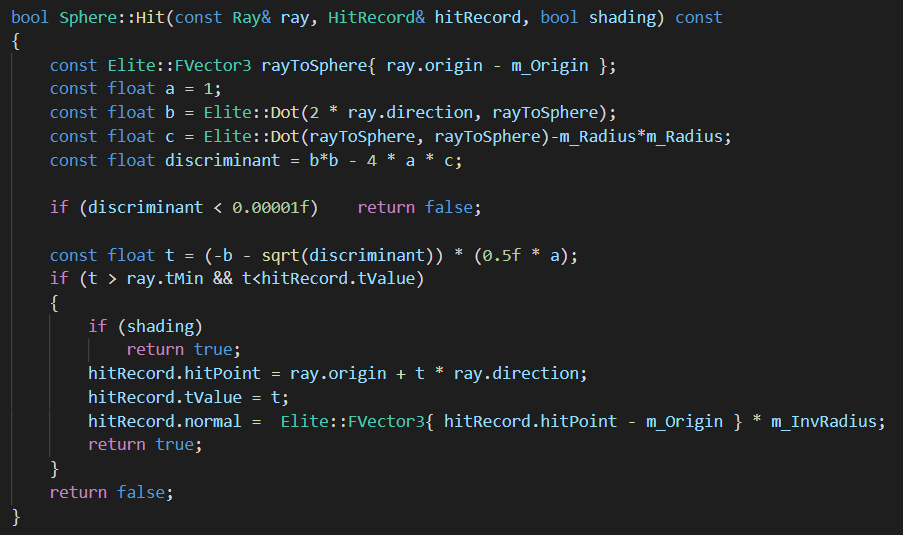
The Ray-Sphere intersection is a common mathematical formula which is fairly easy to make.
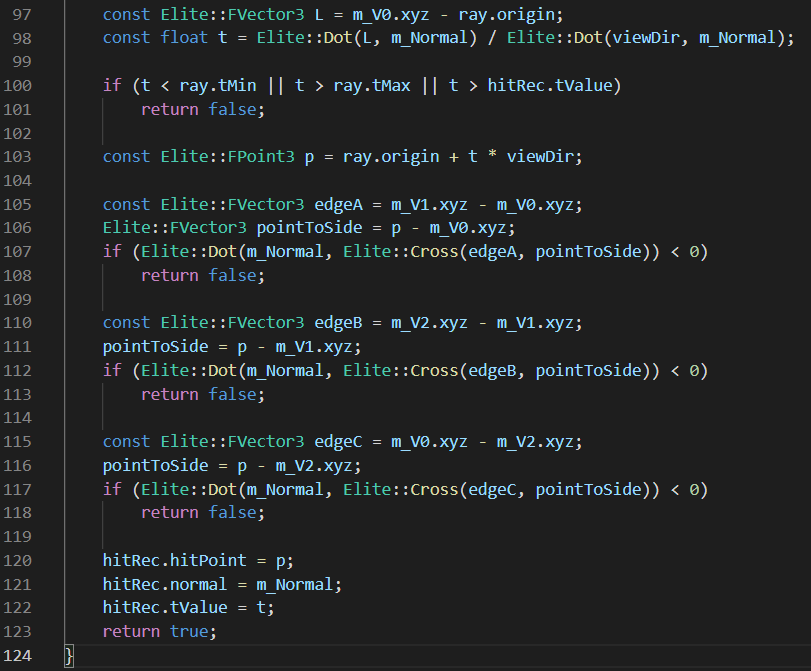
This is why balls are seen a lot in raytracers, along with planes. Polygons are harder and slower to do a hit test on, so these only came in later.
After doing hit tests for these primitives and doing shadows, there is more advanced shading to make your objects reflect the lights in the scene.
Phong shading is one of the easier BRDF (Bidirectional Reflectance Distribution Function) to implement, and looks really good in my opinion! However,
it is not a realistic model.
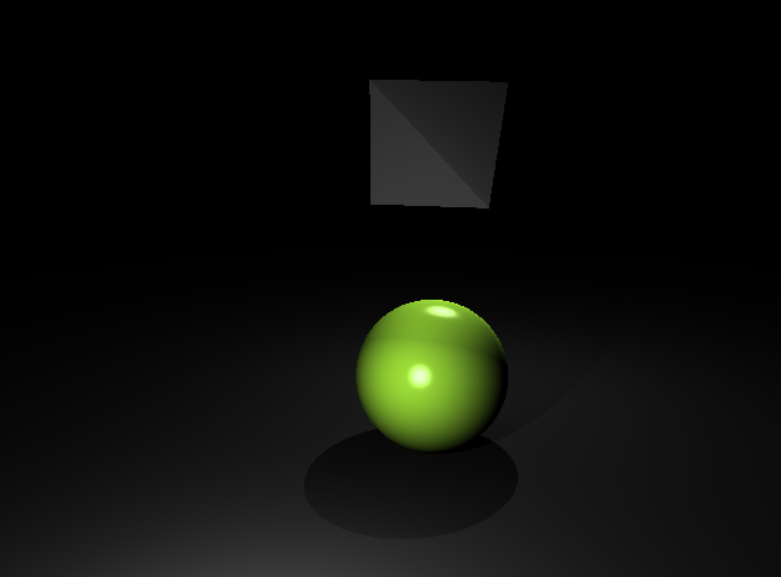
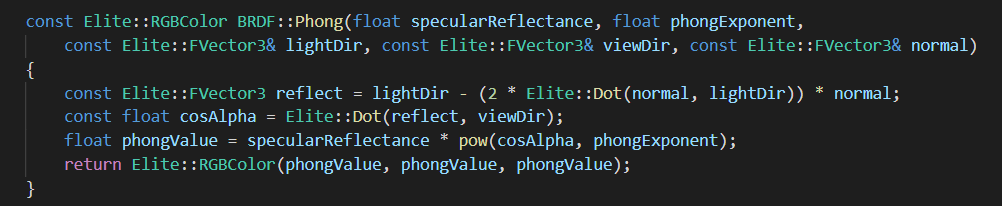
Phong is of course outdated and much more realistic shading can be achieved with raytracing.
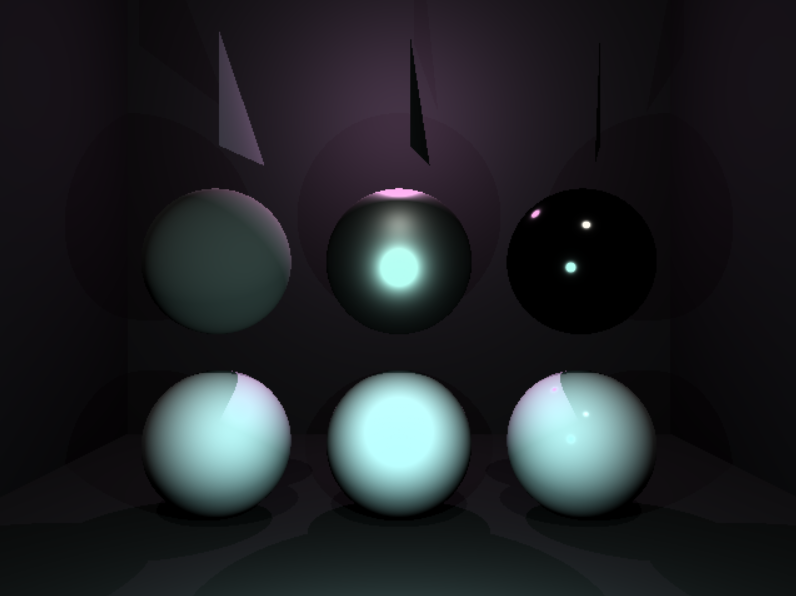
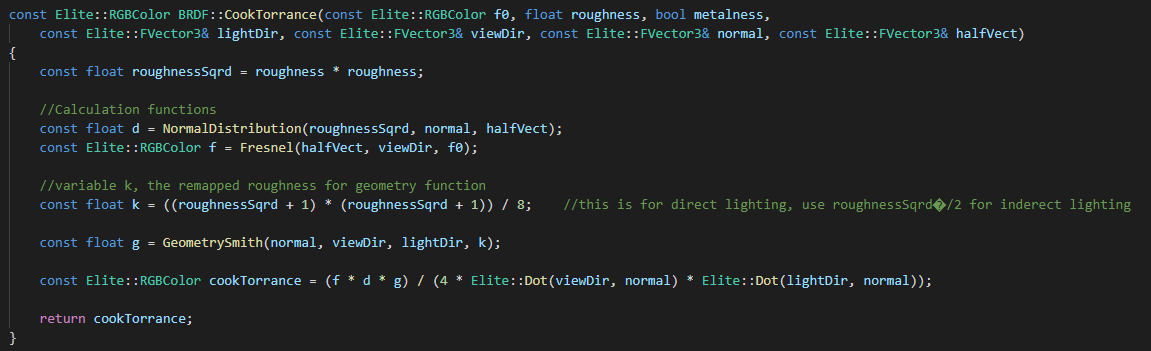
Therefore we implemented CookTorrance shading. This uses the material properties to create realistically shaded metal or dielectric materials.
The top row are all metallic and bottom all dielectric, with the left being least reflective and the right being most reflective.
Naturally, any renderer exists to display objects and not just primitives.
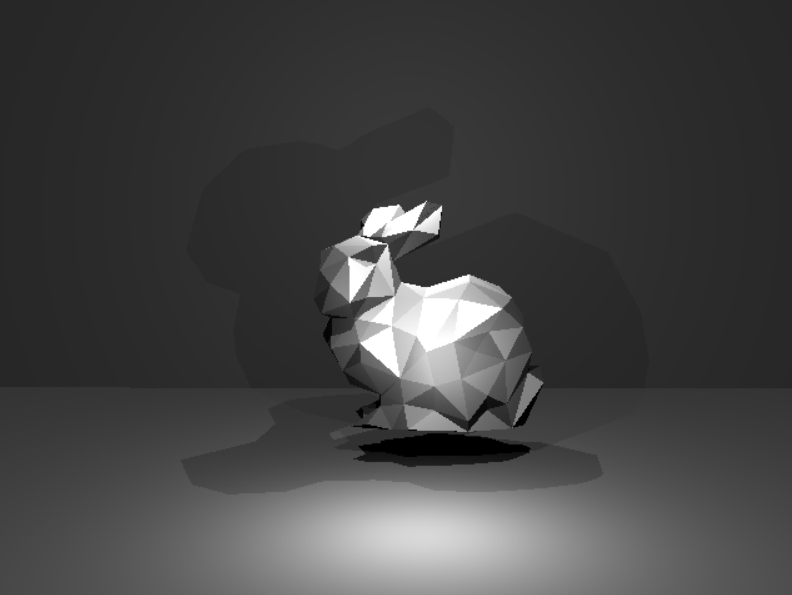
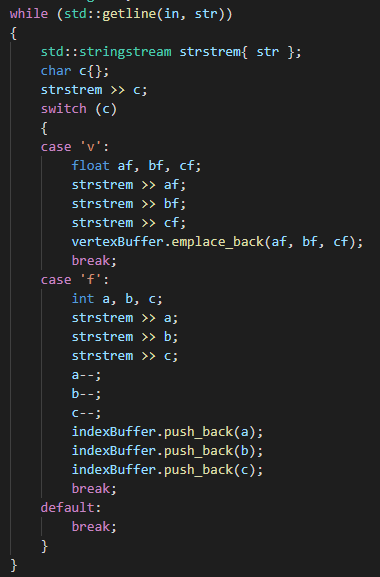
With a custom OBJ Reader, we read in the Stanford Bunny and then render it using the poly hit function.
With having less than 1 fps, this scene is obviously the slowest of the raytracer and shows it's performance limitations on the CPU.